Background and context
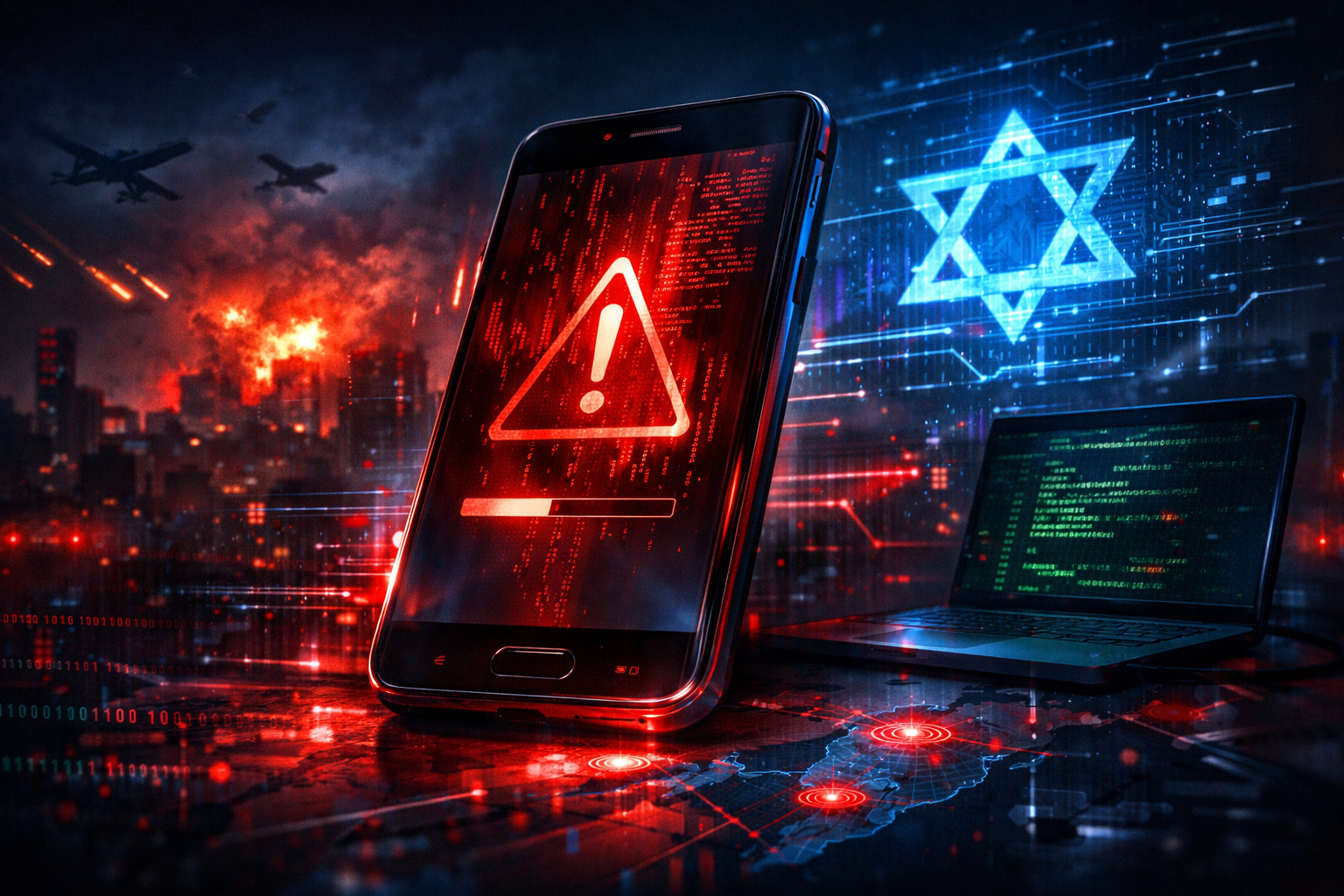
A spyware campaign aimed at users in Israel reportedly abused wartime fear by impersonating a “Red Alert” missile-warning app and distributing it through SMS messages. According to Infosecurity Magazine, the operation used a trojanized version of the app to infect victims’ phones during a period of heightened tension linked to the Israel-Iran conflict, turning a trusted public-safety concept into an espionage lure [1].
The tactic is not technically exotic, but it is effective. Attackers routinely tie malware delivery to breaking events because urgency lowers skepticism. In this case, the lure had unusual power: missile-alert apps are time-sensitive, familiar to many Israelis, and plausibly shared through informal channels during emergencies. That makes them ideal bait for smishing campaigns, where a text message pressures the recipient to act before verifying the sender.
Public reporting so far is limited. The available coverage describes the campaign as espionage-focused, but does not publicly confirm a threat actor, malware family, or a list of indicators of compromise. That means some of the technical analysis must be framed as likely tradecraft rather than confirmed fact. Even so, the broad pattern matches many Android surveillance operations seen in conflict settings: SMS lure, sideloaded APK, excessive permissions, quiet data theft, and command-and-control communication back to an operator [1][2].
How the attack likely worked
Based on the reporting, the attack chain appears to have started with an SMS message themed around emergency alerts. The text likely contained a link to download an Android application package, or APK, outside the official Google Play channel. This matters because Android’s sideloading model can allow users to install apps directly from links or files if device settings permit it. Google warns that apps installed from browsers, messaging apps, or file managers are a higher-risk path than Play-distributed apps because they do not receive the same screening and protections [2].
Once installed, a trojanized emergency-alert app would have several ways to gather intelligence. The most straightforward is permission abuse. A fake alert app can ask for access to notifications, contacts, SMS, phone state, location, microphone, or accessibility services. Some of these requests can be framed as necessary for “real-time alerts,” making them easier to justify to a stressed user. Android’s own guidance notes that accessibility permissions are especially sensitive because they can expose on-screen content and user actions if misused [3].
In practical terms, spyware delivered this way could collect device identifiers, contact lists, call logs, SMS content, notification previews, and geolocation. If notification access is granted, the malware may capture messages from encrypted chat apps by reading alerts as they appear on screen, even if it cannot decrypt the underlying traffic directly. If accessibility access is granted, the risk grows further: operators may be able to harvest text displayed in apps, observe user interaction, or automate actions on the device [3][4].
Another likely feature is persistence. Android malware commonly registers to start after reboot, periodically contacts a command-and-control server, and updates its configuration remotely. The app may also hide its icon or present a minimal fake interface while the surveillance functions run in the background. None of these behaviors require a software vulnerability or a named CVE; they rely on social engineering and the user’s decision to install the app and approve permissions.
That distinction is important. This campaign, as publicly described, is not notable because it breaks Android with a zero-day exploit. It is notable because it exploits human behavior under stress. The technical path is simple enough to scale, and the wartime theme increases the odds that targets will bypass normal caution.
Why the Red Alert theme is so effective
The “Red Alert” branding carries immediate credibility in Israel because emergency warning systems are part of everyday security awareness. During periods of active conflict, civilians may seek faster notifications, alternative alert apps, or localized warning tools. Attackers understand this. By mimicking a service tied to personal safety, they do more than create urgency; they create a moral reason to click.
That also helps explain why SMS was reportedly used. Smishing remains effective because text messages feel personal, immediate, and less filtered than email. Security controls that catch malicious attachments in corporate inboxes often do not apply to a personal phone receiving a text with a download link. The recipient may also be on the move, under stress, and less likely to inspect a URL carefully.
Conflict-themed lures have a long history. Researchers have documented malware campaigns built around war updates, evacuation notices, aid offers, and government alerts in multiple regions. The pattern is consistent: attackers borrow the authority of institutions people rely on in emergencies, then convert that trust into device access and surveillance [4][5].
Impact assessment
The most immediate victims are Israeli Android users who installed the fake app, especially those seeking missile-alert information quickly. But the likely intelligence value goes beyond random civilian compromise. Phones contain location history, social graphs, message previews, photos, authentication prompts, and a record of daily routines. For an espionage operator, even a modest number of successful infections can reveal networks of interest.
Higher-risk groups may include journalists, activists, local officials, emergency volunteers, defense-adjacent personnel, and anyone living or working near sensitive sites. A surveillance app on one person’s phone can expose not just that individual, but also their contacts, meeting patterns, and communications metadata. If the malware captured notifications or SMS, it might also intercept one-time login codes or account recovery messages, increasing the chance of follow-on compromise.
There is also a broader public-safety consequence. Fake emergency apps can erode trust in legitimate warning systems. If people become afraid to install or use real alert tools, the damage extends beyond digital espionage. In a crisis, hesitation around authentic safety apps can carry physical risk.
Severity depends on what permissions the spyware obtained and how many devices were infected. Public reporting does not yet provide infection counts or forensic detail, so a measured assessment is best: the operation appears serious because of its timing, its likely surveillance intent, and the sensitivity of the theme, but the full scale remains unclear [1].
How to protect yourself
First, do not install emergency or news apps from links sent by SMS, messaging apps, or social media posts. If an app is legitimate, find it through the official app store or a verified government source. On Android, avoid enabling sideloading unless there is a strong and verified reason [2].
Second, inspect permissions before and after installation. A missile-alert app should not need broad access to accessibility services, your microphone, call logs, or full SMS history. If an app asks for permissions that do not match its purpose, deny them and remove the app.
Third, review notification and accessibility access in Android settings. These are powerful privileges that spyware often abuses. If you see an unfamiliar app listed under Notification Access or Accessibility, disable it and investigate [3].
Fourth, keep Android and all apps updated. While this campaign does not appear to rely on a CVE, up-to-date devices benefit from stronger platform protections, app scanning, and security patches [2].
Fifth, use mobile security features already built into the platform, such as Google Play Protect, and consider additional privacy safeguards where appropriate, including privacy protection tools for network hygiene. These will not stop a user from granting spyware dangerous permissions, but they can reduce exposure and improve visibility.
Finally, treat crisis-themed links with extra suspicion. Attackers know that fear compresses decision-making. If a message claims to offer urgent safety information, pause and verify it through an official website, known app publisher, or trusted public channel. If you already installed a suspicious app, disconnect the device from sensitive accounts, run a security scan, remove the app if possible, change important passwords from a clean device, and monitor for unusual account activity. For people in high-risk roles, a full forensic review or device replacement may be the safer option.
What comes next
The key unanswered questions are attribution, malware family, and scope. Follow-up reporting may reveal APK hashes, package names, command-and-control domains, or links to a known actor. Until then, the campaign stands as a reminder that mobile espionage often succeeds without novel exploits. A believable lure, a sideloaded app, and a few dangerous permissions can be enough.
For defenders, the lesson is clear: mobile threats tied to conflict and public safety deserve the same attention as desktop phishing and enterprise malware. For users, the rule is simpler: when an app claims to protect you during a crisis, verify it before it gets a chance to watch you.